URIs and URLs sit behind almost everything you do online, and the two terms get mixed up constantly. They are related, they overlap, and they are not the same thing. Here is the plain-English difference, with examples, plus why it matters once you start thinking about SEO and how your site is linked together.
The identifier and the locator
Picture a crowded party full of people you have never met, and you need to find John. Two kinds of information help. A description of John tells you which person he is. His exact spot in the room tells you where to walk. The description identifies him. The location takes you to him.
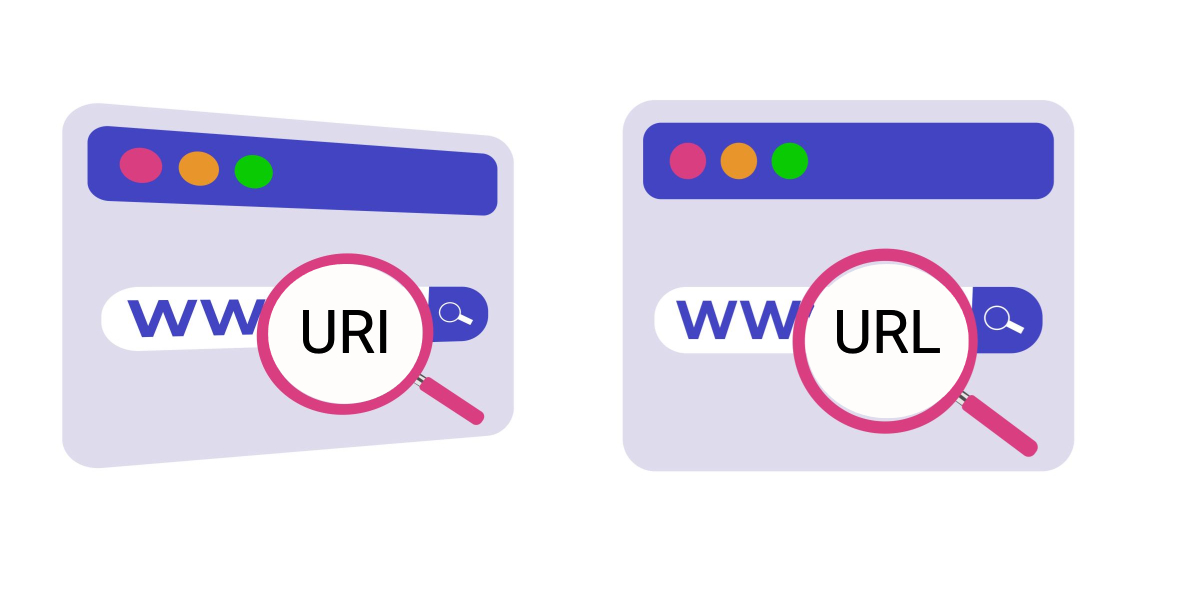
URIs and URLs work the same way. A URI is the description, it identifies a resource on the web. A URL is the location, it identifies the resource and also tells you where it lives and how to reach it.
What a URI actually is
URI stands for Uniform Resource Identifier. It is a string of characters that names a resource on the web so it can be told apart from every other one. Think of it as the resource’s name.
A full URI can hold several parts, a scheme, an authority, a path, a query, and a fragment. In linkilo://example.co:8042/page?name=article#section1, the scheme is ‘linkilo’, the authority is ‘example.co:8042’, the path is ‘/page’, the query is ‘name=article’, and the fragment is ‘#section1’. Most URIs use only a couple of those parts. The bare minimum is a scheme and a path, and the path can even be empty.
URIs split into two families. A URN, or Uniform Resource Name, is a permanent name that does not depend on location, such as the ‘urn’ scheme used for an ISBN. A URL is the location-based kind, and that is the one you meet every day.
What a URL adds
URL stands for Uniform Resource Locator. It does everything a URI does, then goes one step further and tells you how to get to the resource, the same way pointing to John’s exact spot in the room does.
The scheme at the front signals the method. https:// means the page is fetched over secure HTTP, ftp:// means File Transfer Protocol. In https://linkilo.co/blog/seo-strategies, ‘https’ is the protocol, ‘linkilo.co’ is the domain, ‘/blog’ is the path, and ‘seo-strategies’ is the specific page.
URI vs URL at a glance
How URIs and URLs differ
The clearest way to hold the two apart is by their job. A URI identifies many kinds of resource, a page, an email address, a book, a file. A URL identifies a resource and also locates it, which is why it is used to point at web pages you can open.
So mailto:contact@linkilo.co is a URI that names an email address, while https://linkilo.co/contact-us is a URL that takes you to a page. And the headline rule, every URL is a URI, but not every URI is a URL, because not every URI can locate what it names.
Why this matters for SEO and WordPress
For most site owners the practical version is simple. Your URLs are the addresses of your pages, and they are also the targets of every link that points at them. Clean, readable, stable URLs help search engines understand your structure, and they make your internal linking stronger because every link resolves to the right place.
The trouble starts when URLs change. Rename a post, move a category, or delete a page, and any link to the old address breaks. A 301 redirect sends the old URL to the new one and carries most of its ranking value across, so the equity you built is not lost.
On WordPress this is where an internal linking plugin earns its keep. Linkilo keeps your internal links pointing at live URLs, its broken link checker flags dead ones so you can fix them in a click, and its redirect manager handles the old-to-new mapping when an address changes. The honest limit, it works on WordPress only, so it is not the answer if your site lives somewhere else. If you are weighing options, the Linkilo comparison lays out how it stacks up against other tools.
URIs and URLs, quick answers
+Is a URL a URI?
Yes. Every URL is a URI, because it identifies a resource. The reverse is not true, since some URIs only name a resource without saying where to find it.
+What is the difference between a URI and a URN?
A URN is a URI that names a resource permanently without locating it, like an ISBN for a book. A URL is a URI that also tells you where the resource lives and how to reach it.
+Do URLs affect SEO?
Yes. Clean, descriptive, stable URLs help search engines and readers understand a page, and they are the targets of your internal and external links. When a URL changes, a redirect keeps its ranking value from leaking away.
+Should I say URL or URI?
In everyday web work, URL is almost always the right word, since you are usually pointing to a page someone can open. URI is the broader technical term that also covers names like an email address or an ISBN.
The bottom line
A URI names a resource. A URL names it and tells you where to find it. Every URL is a URI, but plenty of URIs are not URLs. Keep the distinction in your head and you will read web addresses more clearly, and on your own site you will treat URLs for what they are, the stable addresses that your links and your rankings depend on.
Linkilo does this for you
- AI Internal Link Suggestions : Get link suggestions a human editor would approve, and add them in one click without leaving the editor.
- Redirection Manager : Catch 404s as they happen and redirect them before anyone notices the traffic went missing.
- Broken Link Checker & One-Click Repair : Find every dead link on your site and fix it in one click. No spreadsheets, no manual editing.

Jay - Linkilo
Jay's the brains behind cool tools like Linkilo, helping marketers rock their SEO game. He's all about data-driven strategies and using AI to boost results. He's been at this for a decade and loves figuring out what works (and what doesn't) to get more leads without paying a fortune. <a href="https://www.linkedin.com/in/jay-kang-80b103309/">Linkedin</a>