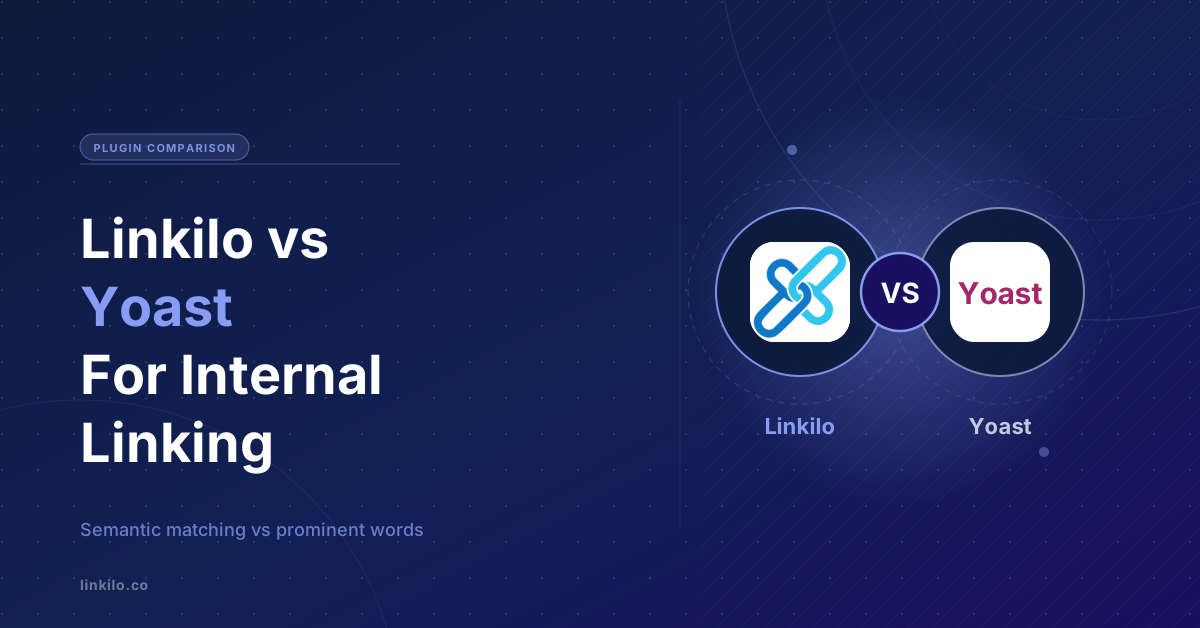
Yoast runs on tens of millions of WordPress sites, and its Premium plan suggests internal links while you write. So if Yoast already sits in your admin, or you are deciding where to spend, it is fair to ask whether you need anything else for linking. The answer comes down to how Yoast finds those links, and how far you want to take it.
Short version. Yoast is a full SEO suite, and internal linking is one Premium feature that matches on the prominent words in your post. Linkilo is built only for internal linking and site health, it matches on meaning instead, and it adds cannibalization detection and a crawl log that shows whether search and AI bots reach your pages. Here is the line by line, and who each one fits.
Linkilo vs Yoast Premium
What both do
The common ground is real, so start there.
- Suggest internal links while you write, inside the WordPress editor.
- Find orphan pages so nothing sits with no links pointing to it, Yoast in Premium and Linkilo built in.
- Help you strengthen your most important pages, Yoast through cornerstone content and Linkilo through topic clusters.
How each one finds links
This is the real difference, and it is worth a minute, because the two tools decide what to link in very different ways.
Yoast leans on its Insights tool. Before it can suggest anything, you turn on internal linking analysis in the general settings and let it index the prominent words across your whole site, which can take a while on a large one. From then on, as you write, a box on the right of the editor lists related posts ranked best-fit first, with a green check on the ones you already link to, and you drag or copy a suggestion straight into your text. Cornerstone articles you have marked are pinned to the top, so you never forget to link to your most important pages.
The matching is built on prominent words, the terms and phrases two posts share most. Yoast has refined it over the years, in their own words to feel more human-like, but it is still counting words rather than reading meaning, and Yoast itself has noted the weakness that it treats all words as equally telling about a topic. So a post that simply repeats a term can surface above one that is genuinely more relevant.
Linkilo reads each post’s full text, embeds it, and compares it against every other post to find where a link genuinely fits, so the match is about what a page is about, not which words it repeats. Each suggestion comes back with a relevance score and the exact anchor to use, and it runs in the background through WP-Cron on your own OpenAI key, a dollar or two to process a 500-post site, with nothing to index by hand first.
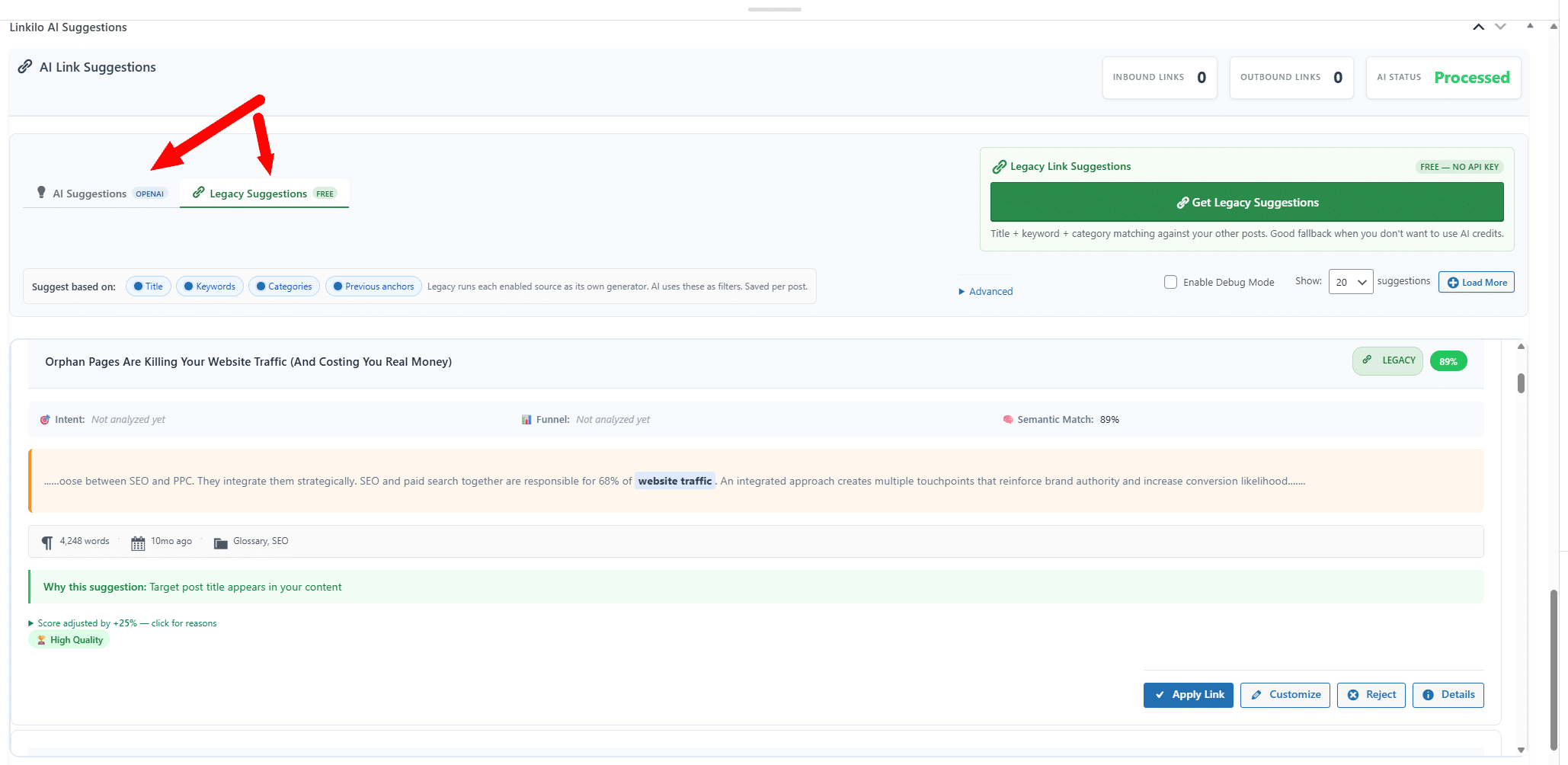
For plenty of sites, prominent-word matching is fine, and Yoast’s suggestions are genuinely useful. The gap opens on larger sites, where word frequency and real relevance start to drift apart.
Matching is only the first decision though. Once two pages look related, there is still the question of where the link goes and what it says.
What a match still has to prove
Two pages looking related is the first test. These are the rest.
01The sentence has to fit
A related post still contains sentences about other things, so each candidate sentence is scored against the target on its own.
02The anchor has to read like language
Fragments, phrases cut off mid-thought, and filler words such as best or guide are rejected before they reach you.
03The version has to match
A sentence about this year’s model does not get to link to last year’s review just because the pages look alike.
04The rest of your site has to agree
The wording is checked against every anchor already in use, so one phrase does not end up pointing at two pages.
05A second model has to confirm it
A language model reads the sentence and the destination and drops the ones that do not hold up, with the reason recorded.
Most weak internal links are not weak because the pages were unrelated. They are weak because the link landed in a sentence that was about something else, or used wording that already belongs to another page.
Why the wording carries as much weight as the target
Anchor text is the visible wording you turn into a link, and search engines read those words as a description of the page on the other end.
Reuse one phrase for two destinations and you have told search engines those pages compete with each other, which splits the signal. Repeat a single phrase across dozens of posts and it stops reading like writing.
Yoast does not track anchor usage at all, so nothing warns you when either pattern starts. Linkilo checks each proposed anchor against the record of what your site already uses, and then waits for you to approve it.
That approval step is deliberate. A model can see that two pages are related. It cannot know that you are about to merge one of them, or that the target is the weaker of two posts you wrote on the same subject.
Where Linkilo goes deeper
Past the matching, Linkilo does a few things a general SEO plugin does not touch.
First, keyword cannibalization. Linkilo runs a dedicated cannibalization report that finds pages competing for the same term, the quiet reason a page you expect to rank keeps stalling. Yoast has no equivalent. The guide on keyword cannibalization walks through the fix.
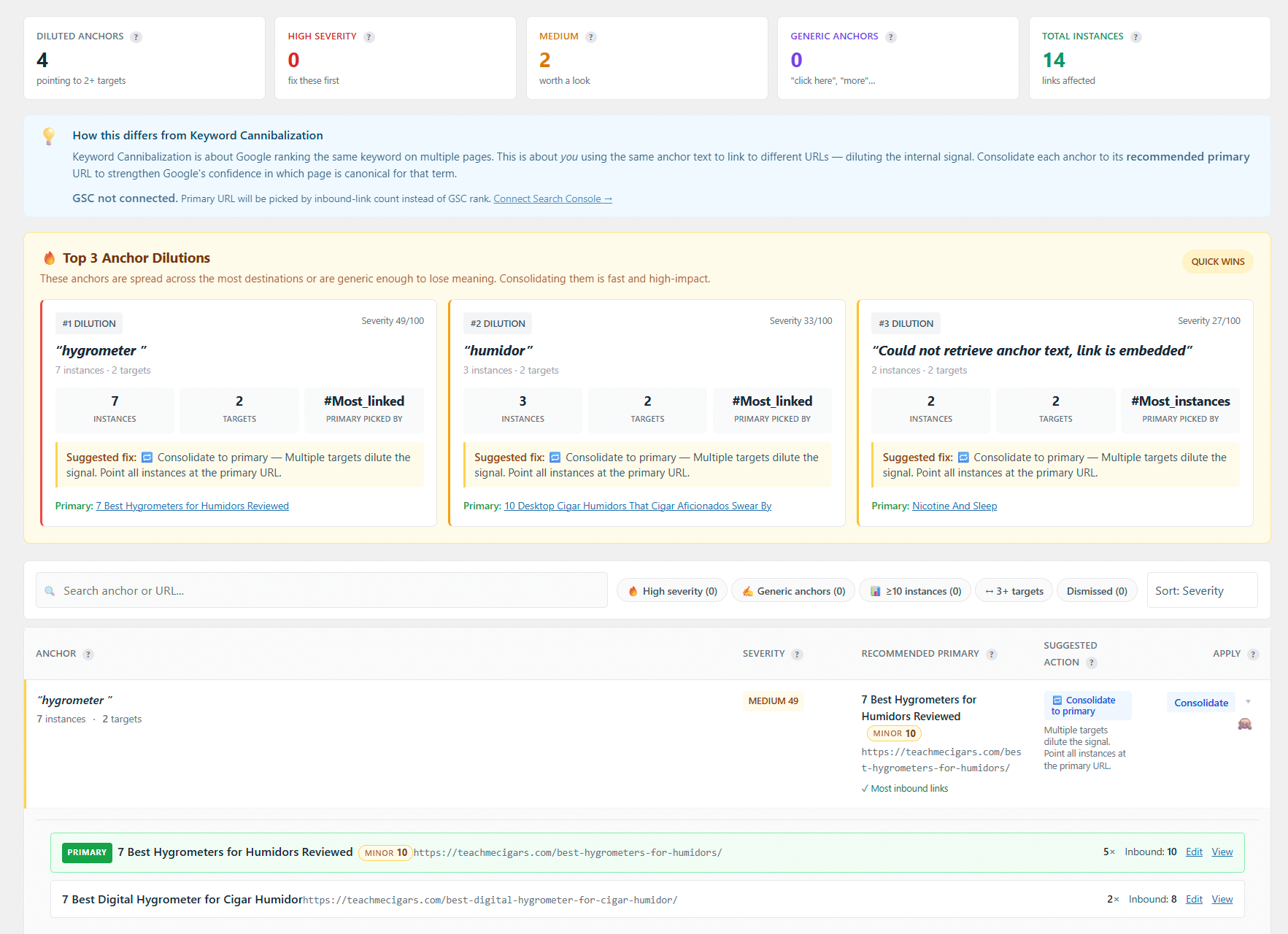
Second, a crawl log, and Yoast has nothing like it. Linkilo logs every bot hit at the WordPress level and rolls it into a single 0 to 100 health score from four equal parts, Googlebot’s crawl frequency over the past week, how much of your published content it has reached in 30 days, your error rate with server errors weighted double, and your response time at the 95th percentile. It verifies each crawler by a reverse-DNS and forward lookup, so you get a real-versus-spoofed split rather than trusting the user agent.
A crawl-waste view sorts bot activity into 16 categories and reads your live robots.txt to hand you a copy-pasteable block that fixes the waste, and for AI bots it labels each GPTBot or ClaudeBot visit as a live answer, training, or a real person pasting your link. You build the links, then you watch whether search engines and AI answer engines actually reach them.
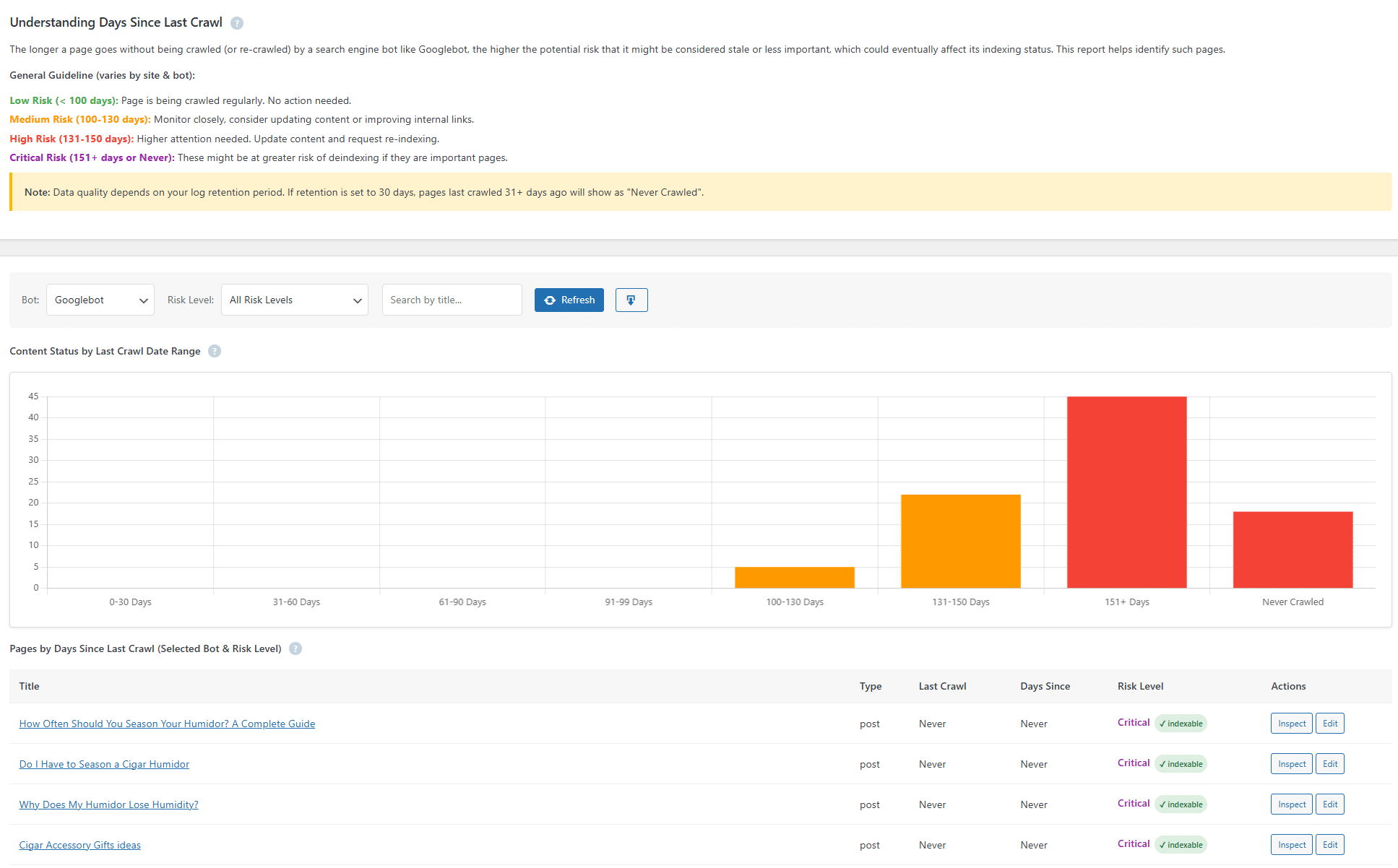
Third, anchor distribution. An anchor text report shows how often each phrase is used across the site, so you do not quietly over-optimize one anchor. Yoast does not analyze anchor usage at all.
The links you already built need looking after
A link is not finished the moment you place it. Posts get deleted, slugs get rewritten, and sites you linked to go offline, so a link that worked two years ago can turn into a dead end with nothing on the page looking wrong.
A broken link points at a URL that no longer resolves. The reader hits an error page, and the ranking power you passed through that link stops reaching anything.
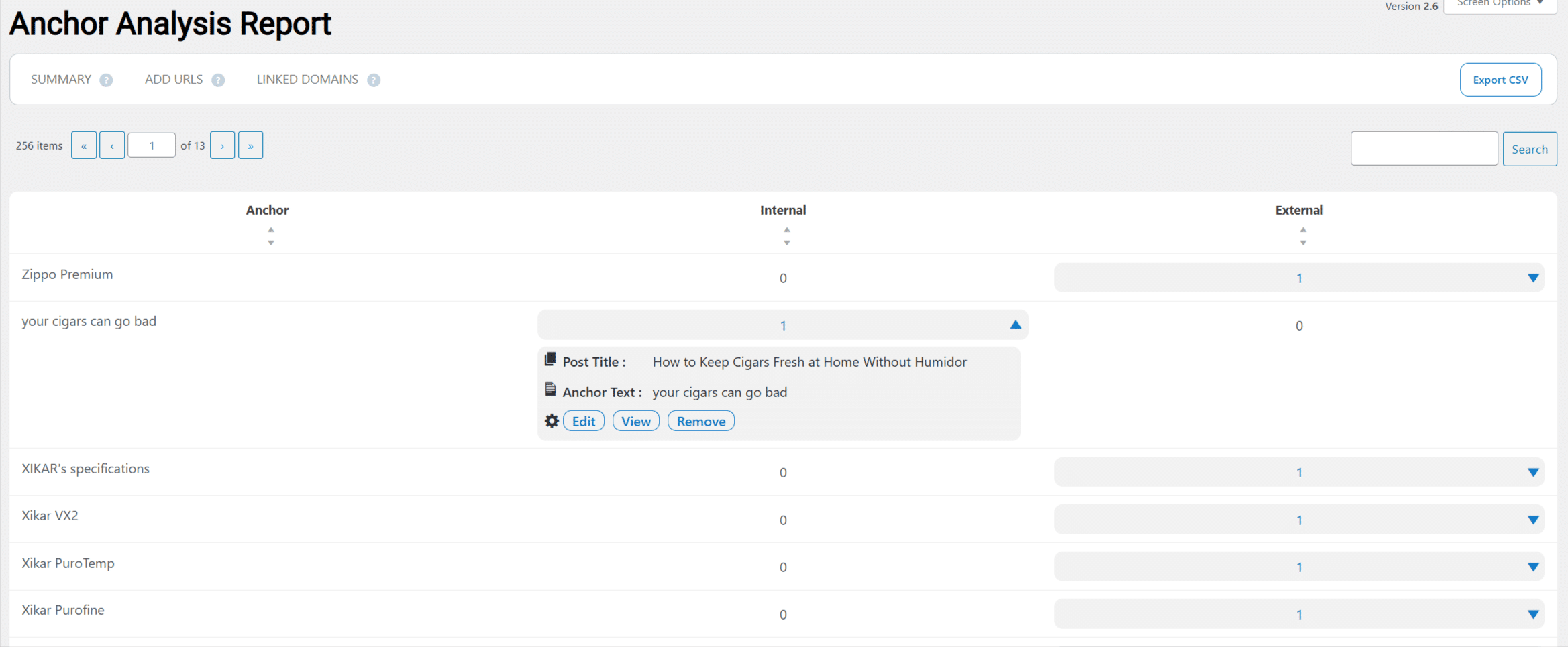
Linkilo’s broken link checker scans on a schedule, lists each one with the page it sits on and the wording used, and updates or removes it in one click without opening the post. Yoast’s linking feature does not include this.
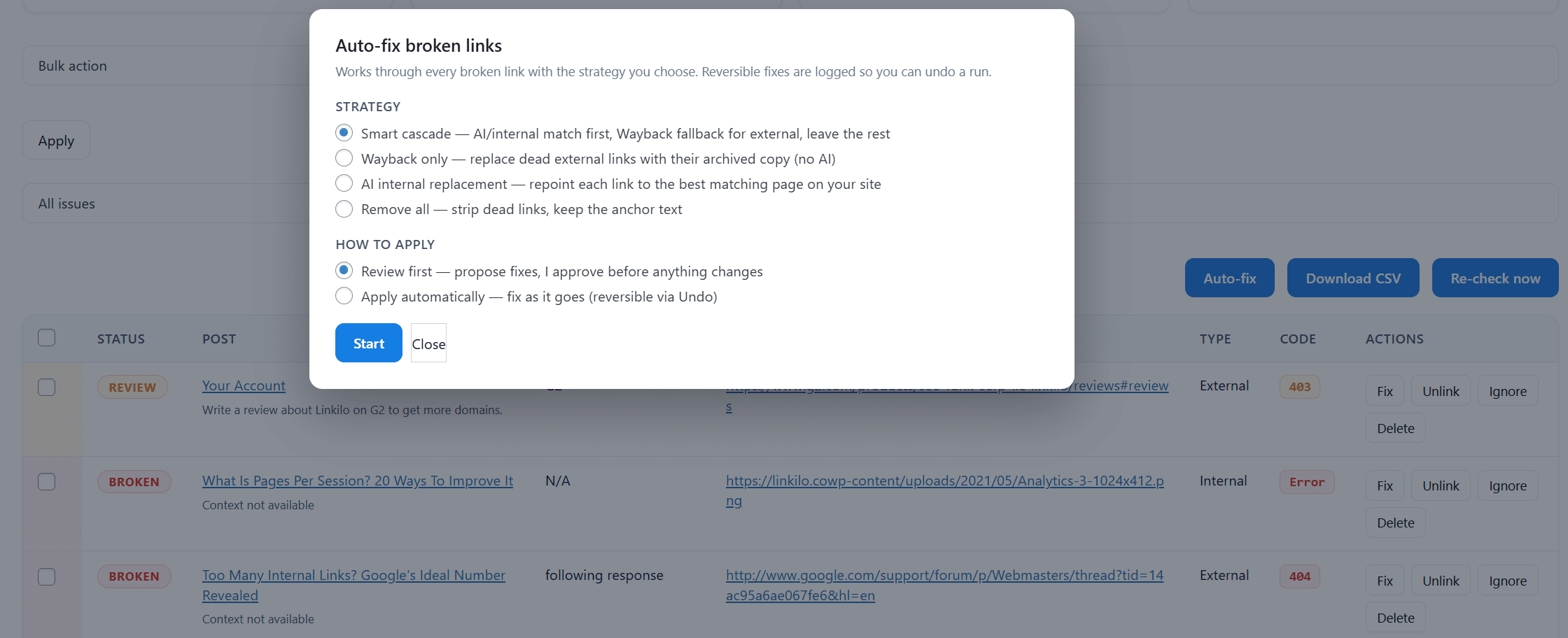
Redirects are the other half, and Yoast Premium includes a redirect manager of its own. The difference shows up once redirects accumulate.
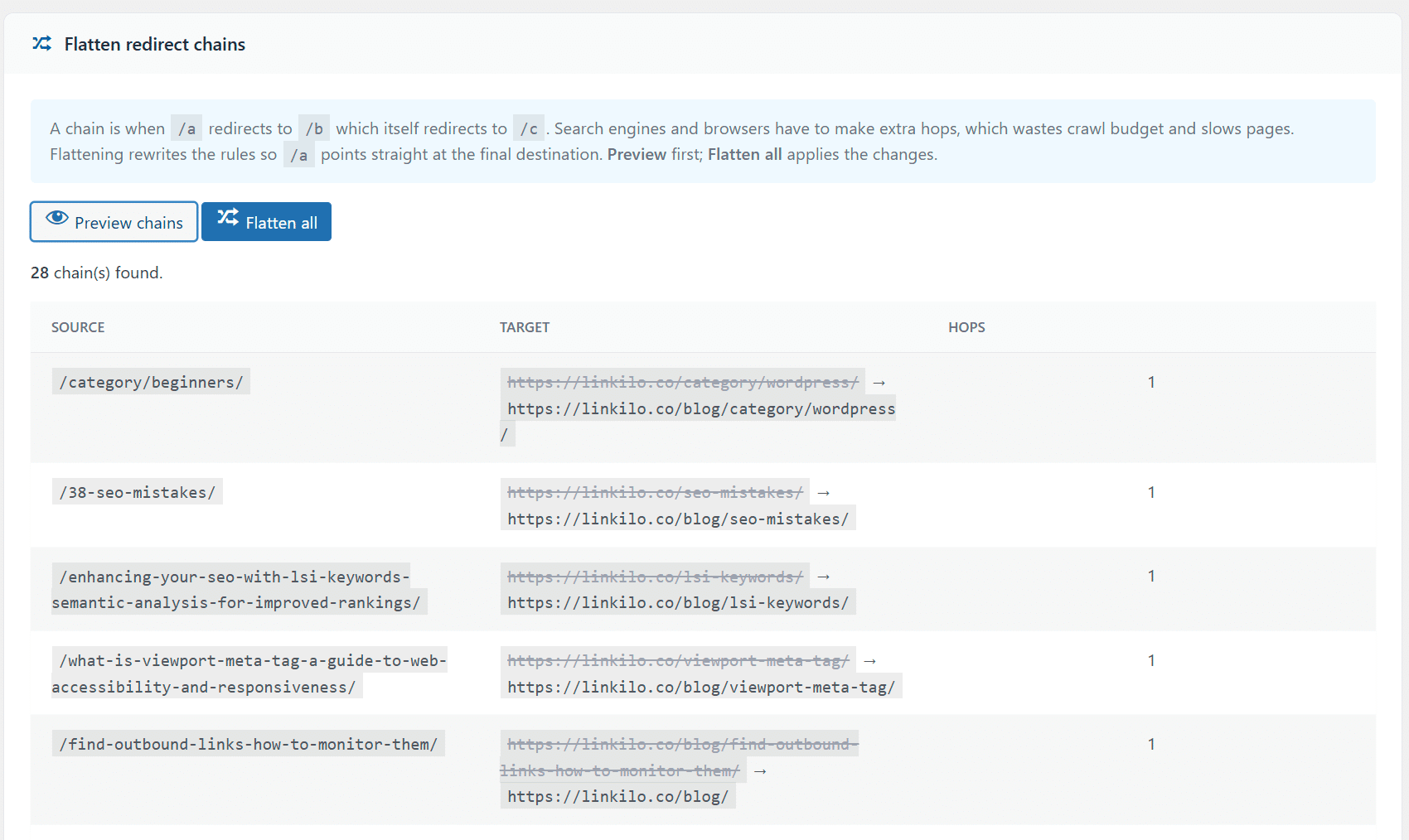
Change a URL and a 301 forwards the old address to the new one. Change it a few more times and those forwards stack into a chain, where a single click travels through three addresses to reach one page.
Nothing looks broken, so chains sit undetected for years. The page still loads. Every visit is just slower than it needs to be, and every crawl of that page costs more than it should.
Linkilo detects those chains and flattens each one back to a single hop, and its 404 monitor records which missing URLs are actually being requested so you fix the ones with real traffic first.
Link preview closes the loop, showing the destination page while you place the link so you can confirm it is still the page you meant to send people to.
The honest trade, Linkilo is not a full SEO suite and it runs on WordPress only. It does not replace Yoast for content analysis, schema, or sitemaps, so many people keep Yoast for on-page SEO and add Linkilo for the linking and crawl side.
The cost
The prices point in different directions, and it helps to see why. Linkilo is $59 a year, flat, with a 30-day money-back guarantee, and its AI runs on your own OpenAI key, roughly one to two dollars to process a 500 post site. Yoast Premium is about $99 a year per site, and that buys the whole SEO suite, content analysis, redirects, multiple focus keyphrases, orphan detection, and the linking suggestions, with higher tiers adding more AI features.
So if you want everything Yoast does and linking is a bonus, its price covers a lot of ground. If linking depth is the point, Linkilo does more of it for less, and you keep whatever SEO plugin you already run.
Which should you use
- Already on Yoast Premium and your linking needs are basic, its suggestions are enough.
- You want one tool for on-page SEO, schema, and sitemaps, keep Yoast.
- Linking is a priority and you want semantic matching, cannibalization, and crawl visibility, Linkilo.
- You run client sites and want a flat per-site linking cost, Linkilo.
Linkilo vs Yoast, quick answers
+Does Yoast have internal linking?
Yes, in Premium. It suggests posts to link to based on the most prominent words in what you are writing, and it detects orphan pages.
+Is Linkilo better than Yoast for internal linking?
For match quality and depth, cannibalization, crawl visibility, and anchor distribution, yes. For all-around on-page SEO, Yoast does far more.
+Can I use Linkilo and Yoast together?
Yes, and many do. Yoast handles on-page SEO, Linkilo handles deep linking, and they do not conflict.
+Does Linkilo replace Yoast?
No. Linkilo is linking and site health, not a full SEO suite. You keep Yoast, or another SEO plugin, for content analysis and schema.
+How does Yoast decide which links to suggest?
It uses its Insights tool to find the most prominent words in your post, then suggests posts that share those words, with cornerstone content weighted higher.
The bottom line
So which one? If Yoast is already handling your SEO and your linking needs are light, its suggestions will serve you well. If internal linking is where rankings are won or lost, and you want matches based on meaning plus a view of cannibalization and whether bots reach your pages, Linkilo is built for exactly that. Many sites keep both, Yoast for the on-page work and Linkilo for the linking underneath. To see how Linkilo compares against the dedicated linking tools too, the Linkilo vs Link Whisper comparison covers that side.
Linkilo does this for you
- AI Internal Link Suggestions : Get link suggestions a human editor would approve, and add them in one click without leaving the editor.
- Redirection Manager : Catch 404s as they happen and redirect them before anyone notices the traffic went missing.
- Crawl Log File Analyzer : See exactly which pages Google and the AI crawlers actually visit, inside WordPress, with no log files to download.

Jay - Linkilo
Jay's the brains behind cool tools like Linkilo, helping marketers rock their SEO game. He's all about data-driven strategies and using AI to boost results. He's been at this for a decade and loves figuring out what works (and what doesn't) to get more leads without paying a fortune. <a href="https://www.linkedin.com/in/jay-kang-80b103309/">Linkedin</a>